Built for your business. Supported beyond installation.

A dependable server starts with the right setup.

When your staff depend on shared files, business applications or a Windows domain, the server behind them matters. New Level Designs installs, configures and maintains business servers throughout Sacramento and the surrounding area.

Whether you are opening an office, replacing aging hardware or looking for support for an existing system, we start with how your business works: the applications you use, the people who need access, your storage needs and the time you can allow for a change.

Practical experience

Windows Server, Dell PowerEdge, virtual machines and business networks.

Local & remote support

On-site help when the work needs hands, with remote support where appropriate.
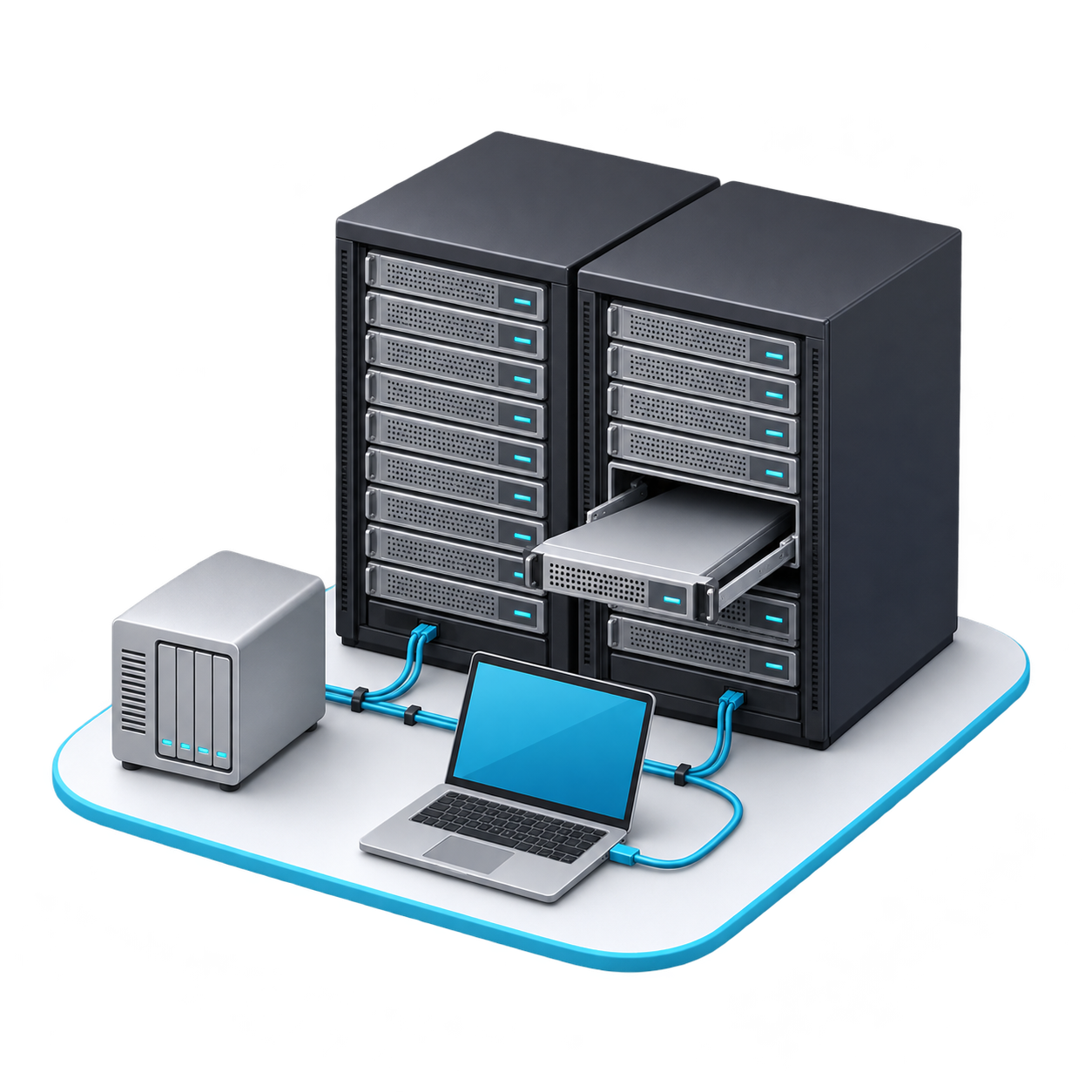
Illustration of server racks, a rack server being installed, backup storage and a setup laptop

Installation, migration & support

Help at every stage of your server's life

Start with the project you need today and discuss maintenance for what comes next.

Server installation & upgrades

Build a server environment around your workloads, users and budget. We help with hardware selection, storage and RAID configuration, Windows Server setup and the roles your business needs.

  • Active Directory, DNS, DHCP and Group Policy
  • Shared folders, user permissions and print services
  • Dell PowerEdge setup, network integration and UPS configuration

Server migration & virtualization

Move from an aging server or reorganize your virtual machines with a plan for the systems that depend on them. We review compatibility and agree on the change before moving data or services.

  • Hardware replacement and Windows Server migration
  • Hyper-V setup and virtual-machine transfers
  • File, permission and application-access checks after the move

Server maintenance & support

Keep an existing server under review and get help when something stops working. We troubleshoot performance, storage, connectivity and access problems, including systems installed by another provider.

  • Scheduled maintenance and operating-system updates
  • Hardware, event-log and storage-health checks
  • Backup reviews and recovery testing within the agreed scope

Look beyond the power light

Know what is being maintained.

A server can be running while storage is filling up, backups are failing or updates are overdue. A useful maintenance plan defines the checks, the schedule and what happens when a problem is found.

  • System health: review relevant alerts, logs, performance and available storage.
  • Updates: plan operating-system patches and applicable firmware work around your applications and business hours.
  • Access: review user permissions and remote-access arrangements as needs change.
  • Follow-up: identify issues that need corrective work and discuss priorities with you.

Backups need a recovery plan.

RAID can help keep a system available after certain drive failures. It does not replace a separate backup or protect against every cause of data loss.

We help configure server and virtual-machine backups, including suitable NAS and Synology solutions, and discuss off-site copies, retention and restore testing. The right approach depends on what you need to recover and how long your business can be without it.

Maintenance frequency, monitoring coverage, recovery tests and response arrangements are defined in your service scope, so you know what is included.

A planned change, from start to finish

How your server project moves forward

Agree on the scope, protect the existing setup and verify the result.

Review your setup

Discuss users, applications, hardware, backups and your main concerns. Identify dependencies before choosing the solution.

Plan the work

Define equipment, licensing needs, responsibilities and cost. Agree on a maintenance window and recovery or rollback steps.

Install & verify

Configure or migrate the system, then check user sign-ins, file permissions, application access and the agreed backup setup.

Handoff & support

Review the completed work and important operating details. Discuss ongoing maintenance and the next improvements your business may need.

Server support for Sacramento-area businesses

We work with professional offices, law firms, retail businesses and other organizations that need reliable access to their files and applications.

Based in Sacramento, we serve nearby communities including Roseville, Rocklin, Folsom, Rancho Cordova, Fair Oaks, El Dorado Hills and Auburn. Tell us your location and the work you need so we can plan the right mix of on-site and remote help.

From an existing IT support client

“New Level Designs is always prompt and pleasant to deal with.”

Dan Newman Newman Law Group

Before we get started

Server installation & maintenance FAQs

Straightforward answers to common planning questions.

Can you maintain a server installed by another IT company?

Yes. We begin by reviewing the existing hardware, configuration, backups and available documentation. We will explain what can be supported, any access or licensing issues that need attention, and the maintenance scope we recommend.

Can you move our data and users to a new server?

We can plan a migration of files, permissions, server roles and virtual machines as appropriate to your setup. Business applications may need vendor coordination or updated licenses. We review those dependencies and agree on verification and rollback steps before the move.

Will our business need to stop working during a migration?

Some changes require a service interruption. We discuss the expected downtime, prepare as much as possible beforehand and agree on a suitable work window. The timing depends on data size, applications and the condition of the existing system; we do not promise zero downtime.

Do we need a physical server, a NAS or a cloud solution?

That depends on your applications, access requirements, internet connection, storage and recovery needs. A NAS may suit shared-file storage, while some applications need Windows Server. We can discuss on-premises, cloud or hybrid options instead of assuming every business needs the same setup.

What does ongoing server maintenance include?

The agreed scope can include system updates, hardware and storage-health checks, log reviews, backup checks and troubleshooting. We define the schedule, monitoring coverage, recovery testing and support arrangements in advance. Additional projects or replacement equipment are discussed separately.

Do you help with Hyper-V and server backups?

Yes. We help with Hyper-V configuration, virtual-machine migrations and suitable backup arrangements, including Synology and other NAS-based options. Backup work should address both the data being protected and how it will be restored when needed.

Do you provide both on-site and remote server support?

Yes. On-site work is available in Sacramento and surrounding service areas. Many software, account and configuration issues can be handled remotely; installations, hardware faults and physical connections may need a visit. Tell us your location and the issue when you contact us.

How much does server installation or maintenance cost?

The quote depends on users, server roles, hardware and software licenses, data volume, migration complexity and the ongoing support required. Send a brief description of your setup, location and timing. We can discuss a one-time project, ongoing maintenance or both.

Tell us what you need

Let's plan your server installation or maintenance.

Describe your existing setup or upcoming project. We will follow up to discuss the scope and a suitable quote.

A few details help us get started

  • Your business name and city
  • Approximate users and servers
  • The project or problem you need help with
  • Your preferred timing

No technical inventory is needed to start the conversation. Please do not include passwords or confidential business records.

Prefer to talk?

(916) 790-6532

If a server problem is affecting your staff now, call to discuss availability and the next step.